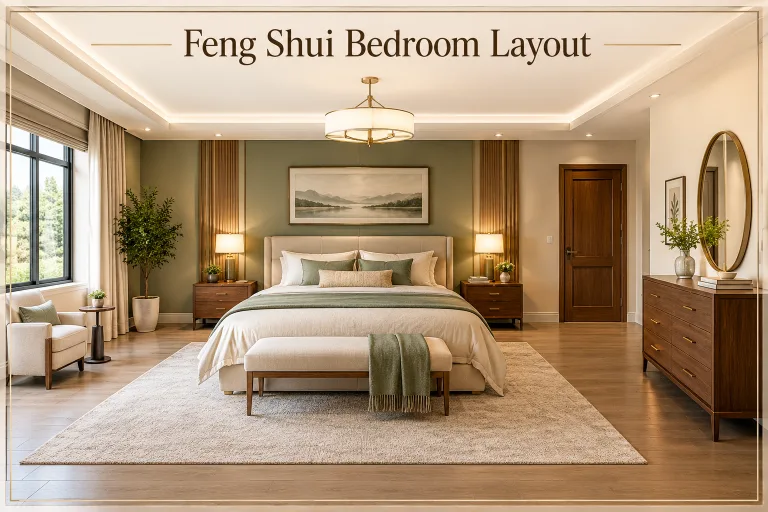
A home used to be judged by its size or furniture. Now it gets judged by how well it runs. This kind of hidden tech approach means blending automation with good design, so devices stay out of sight, and the room still looks calm. If you are also planning wider upgrades, these room by room ideas pair well with a smart home rollout.
What Is Smart Home Decor Tech?
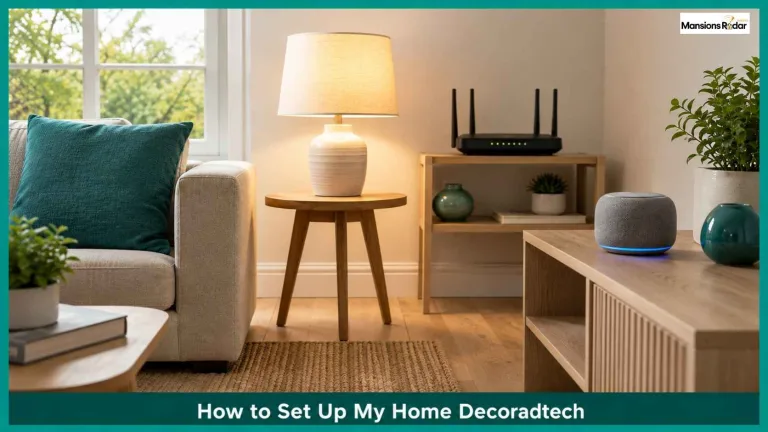
Smart home decor tech means adding automation in a way that stays hidden and keeps the room looking calm. Start with a smart bulb, a smart plug, and one voice assistant. Add a smart thermostat next. Pick devices built on Zigbee, Z-Wave, or Matter, since these work across brands.
Why Homeowners Like This Approach
People want less manual work, more comfort, and more control. Smart tech gives all three without hurting the look of a room.
- Devices blend in. A smart bulb looks like a normal bulb.
- Bills drop. A thermostat and a few smart plugs cut real waste.
- The home adjusts to you. Lighting and temperature shift on their own.
- Entry cost is low. A basic setup costs less than most people expect.
- It adds resale value. Buyers now expect smart features, not just wiring for them.
The Core Pieces of a Smart Home
Smart Lighting
Smart bulbs let you dim, schedule, or change color from your phone. Motion sensors turn lights on and off automatically. Philips Hue and LIFX are popular picks that work with most hubs.
Layer your lighting. Use bright overhead light for tasks and a softer accent light for evenings. This one change makes a room feel finished.

A Central Hub
One hub controls everything else. Amazon Alexa, Google Home, and Apple HomeKit all do this job. Once devices connect, one voice command handles lights, locks, and temperature.
Check the wireless standard before buying. Zigbee and Z-Wave are well established. Matter is newer and lets devices from different brands work together without extra bridges. The Connectivity Standards Alliance lists all Matter certified devices if you want to check compatibility first.

Comparing the Main Hubs
| Hub | Best For | Privacy Approach | Device Support |
| Amazon Alexa | Widest device support | Cloud based, opt outs available | Very broad |
| Google Home | Voice recognition and search integration | Cloud based, opt outs available | Broad |
| Apple HomeKit | Privacy focused households | Local processing where possible | Narrower, but growing with Matter |
Comparing the Main Standards
| Standard | Works Across Brands | Range | Best For |
| Zigbee | Limited without a bridge | Short to medium | Lighting, sensors |
| Z-Wave | Limited without a bridge | Medium to long | Locks, larger homes |
| Matter | Yes, by design | Depends on network | Mixed brand homes |
Avoiding lock-in: Switching hubs later is painful once a house is full of devices tied to one app. Matter certified devices move between hubs easily, so favor them even if you are not switching yet.
Smart Furniture
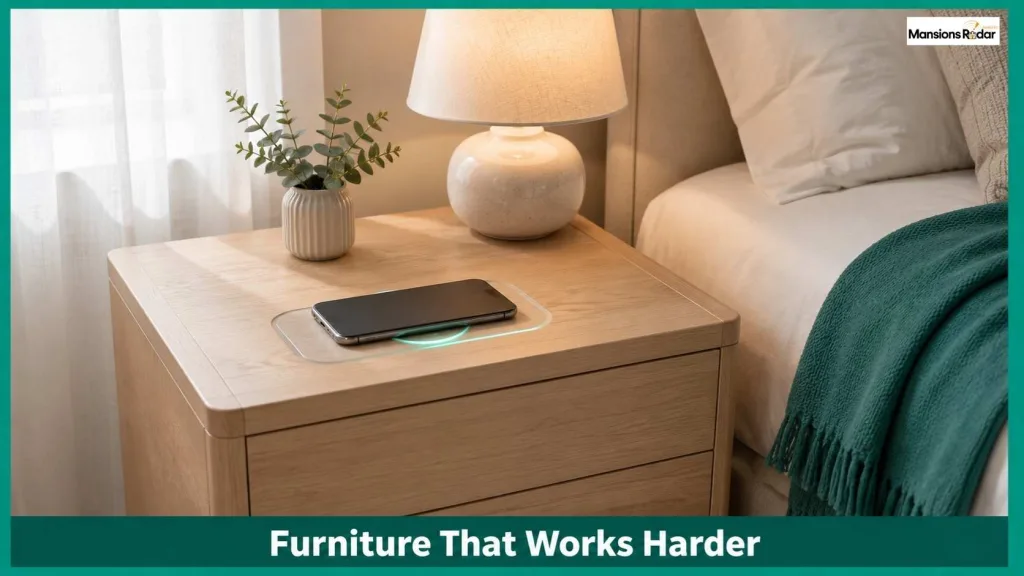
Beds now come with charging ports. Nightstands add wireless charging pads. Some chairs add light massage, and foldable tables free up space in small rooms. None of this needs visible cables if you plan the layout first.
Smart Security
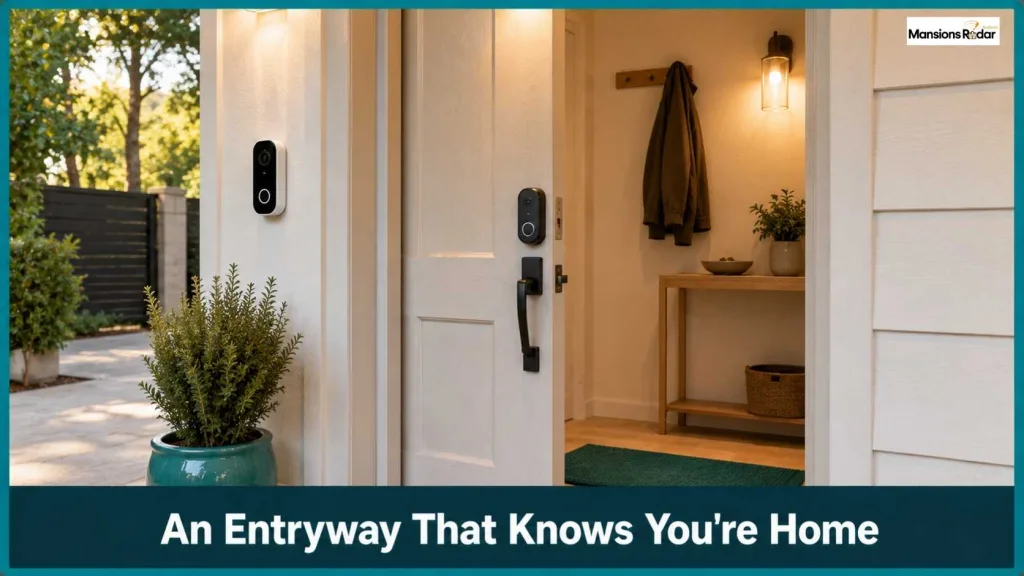
A smart doorbell, motion activated outdoor lights, and app controlled locks cover most needs. You get an alert the moment someone reaches your door, and you can lock up remotely.
Design has caught up too. Fingerprint locks and slim doorbell cameras now come in brushed brass or matte black, so security does not stand out in the entryway.

Climate Control and Digital Art
A Nest or Ecobee thermostat learns your schedule and adjusts on its own. Add a few smart plugs that track power use, and you can see exactly where energy goes instead of one number on a bill.

Digital canvases from brands like Meural are a smaller addition worth knowing about. They rotate through a collection of art on one screen, turning a blank wall into something that changes instead of staying static.
How to Start Without Overspending
- Decide your goal. Comfort, security, or energy savings lead to different first purchases.
- Pick one hub and stay with it. Whichever fits your phone and habits.
- Start small. A bulb, a plug, and a speaker teach you the system cheaply.
- Move room by room. Follow your daily routine, not a fixed order.
- Hide what you can. Match colors and shapes to your existing decor.
- Track energy early. Smart plugs with monitoring catch waste fast.
Room by Room Ideas
Living Room
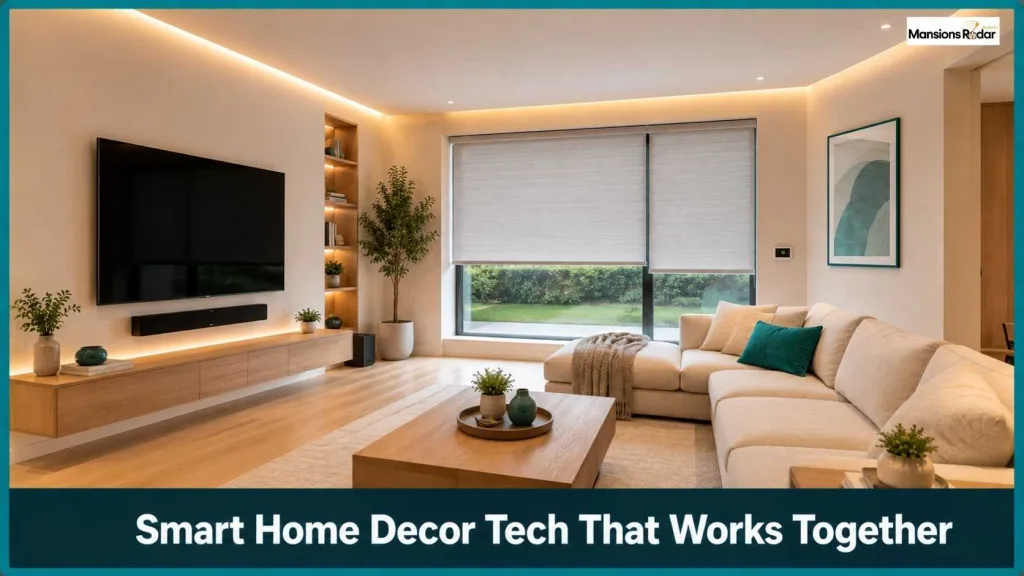
- Smart LED lighting with mood presets
- Voice controlled entertainment system
- A digital art display on one wall
- Automated blinds on a schedule
Bedroom
- Sunrise style wake up lighting
- Thermostat set for sleep comfort
- Wireless charging in the nightstand
- Voice activated ambient sound

Kitchen
- Smart ovens and coffee machines
- Motion sensor lighting under cabinets
- Voice activated timers

Entryway
- Smart doorbell with two way audio
- Fingerprint or app controlled locks
- Lighting that turns on when you arrive
What Is Changing Next
Lighting is starting to shift with natural rhythms instead of a flat schedule. Controls are moving from buttons to motion and voice. Materials are turning more natural wood, stone, and woven textures, next to the tech instead of against it.
Data privacy matters more too. More people check what a device does with their data before buying, and brands with clear encryption are winning that trust.
Mistakes to Avoid
- Buying too much too fast. Add one category at a time.
- Skipping compatibility checks. Confirm before you buy, not after.
- Ignoring how it looks. A great feature in an ugly housing still looks wrong.
- Skipping the room plan. Mark out device spots before buying anything.
- Forgetting your network. A separate network for smart devices prevents slowdowns and adds security.
Is It Worth the Cost?
For most homes, yes. A starter kit with bulbs, a plug, and a hub usually costs under $150. A smart thermostat adds $130 to $250 and often pays for itself within two years. Bigger pieces, smart furniture, digital art, whole home audio, cost more but carry more weight in higher end homes.
| Item | Typical Cost | Payback Time |
| Smart bulb (single) | $15 to $50 | Not applicable, low draw |
| Smart plug | $10 to $25 | A few months on standby waste alone |
| Smart hub or speaker | $50 to $100 | One time cost, powers the rest |
| Smart thermostat | $130 to $250 | 1 to 2 years through lower bills |
| Smart lock | $150 to $300 | Convenience and security, not bill savings |
| Video doorbell | $100 to $250 | Security value, not a money saver |
Final Thoughts
A connected home is not about filling a house with gadgets. It is about a home that runs more easily every day without looking cluttered. Pick one room and one goal, and build from there.
Frequently Asked Questions
What is smart home decor tech?
Home automation added in a way that stays hidden and fits the room’s existing design.
What should I buy first?
A smart bulb, a smart plug, and a voice assistant. Cheap, and they teach you the system.
Zigbee, Z-Wave, or Matter, which is best?
Matter works across brands with no extra bridges. Zigbee and Z-Wave are solid, well supported choices too.
Do smart homes actually save money?
Yes, mostly through thermostats and plugs that cut waste. Most setups pay for themselves in one to two years.
How do I stop it from looking cluttered?
Match colors to your decor, hide wiring, and add devices one category at a time.
Are smart homes safe from hacking?
No system is risk free, but a strong router password and a separate device network lower the risk a lot.
Does a smart home raise property value?
Often, yes, especially in higher end homes where buyers expect a video doorbell and smart thermostat already installed.
How much does a basic setup cost?
Under $150 for bulbs, a plug, and a hub. A smart thermostat adds $130 to $250.