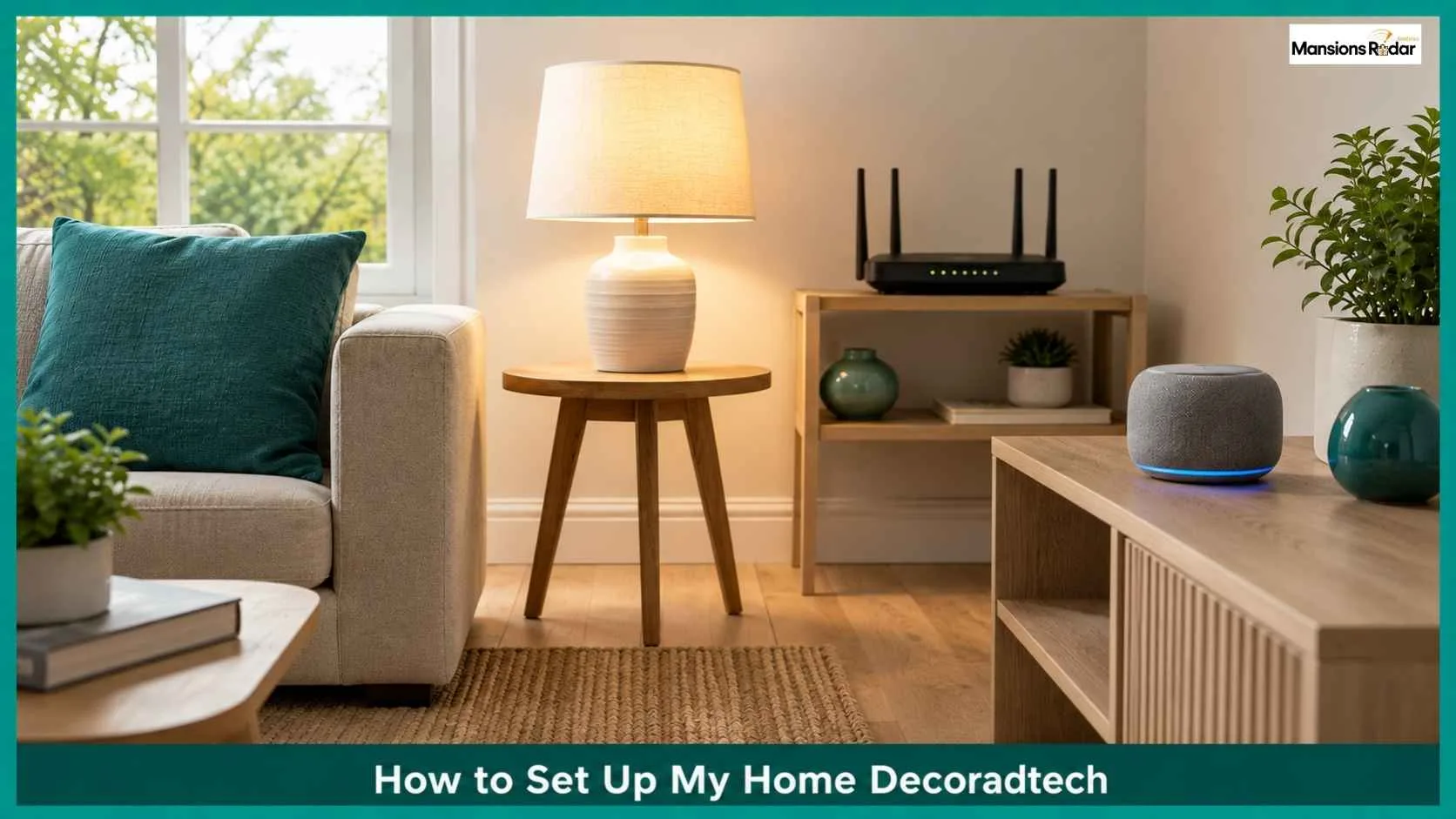
A smart home should improve your daily life while complementing your home style. Home decoradtech combines modern interior design with smart technology to create spaces that are functional, comfortable, and visually appealing.
Rather than adding gadgets that stand out, it blends smart lighting, security, entertainment, and automation seamlessly into your décor.
This guide shows you how to set up home decoradtech step by step, choose the right devices, avoid common mistakes, and build a connected home that looks as good as it works.
How to Set Up Home Decoradtech
To set up home decoradtech, start with one hub (Alexa, Google Home, or Apple HomeKit), add a smart bulb and a smart plug to learn the system, then build out room by room.
Choose devices built on Matter, Zigbee, or Z-Wave, so they work across brands. Budget for a basic starter kit under $150 and expand from there based on which room gets used the most.
Check Your WiFi Before You Buy Anything
This step is often skipped, and it causes most of the frustration people run into later. Every smart device depends on a stable connection. A weak signal in the kitchen means a smart plug that keeps dropping offline, no matter how good the device is.
- Check signal strength in every room you plan to add devices to, not just near the router
- If your home is over 1,500 square feet or has thick walls, a mesh WiFi system, like eero or TP-Link Deco, closes the dead zones a single router leaves behind. Budget kits start around $80 for a two pack.
- Hardwire what you can. TVs and streaming boxes work better on Ethernet, which frees up WiFi capacity for the bulbs and sensors that need it

Decide What You Actually Want
Before buying anything, get specific about the goal. “A smarter home” is too vague to shop for. Pick one or two of these instead:
- Less manual work, lights and thermostats that run on their own
- Better security, cameras, locks, and doorbell alerts
- Lower energy bills through automated heating and cooling
- A calmer, more personalized feel, lighting and music that match the mood of the room
Whatever you pick shapes your first purchase. Someone chasing energy savings starts with a thermostat. Someone chasing security starts with a doorbell and a lock.
Choose One Hub and Commit to It
Every setup needs one hub, the app or voice assistant that controls everything else. Pick based on what you already use, since switching later is painful once devices are tied to one app.
- Amazon Alexa. Works with the most devices. Good default if you are not sure yet.
- Google Home. Best fit if your day already runs on Google apps and services.
- Apple HomeKit. Best fit for iPhone households. Also more private, since it processes more on the device itself.
- Home Assistant. For anyone who wants full local control and does not mind a short learning curve.
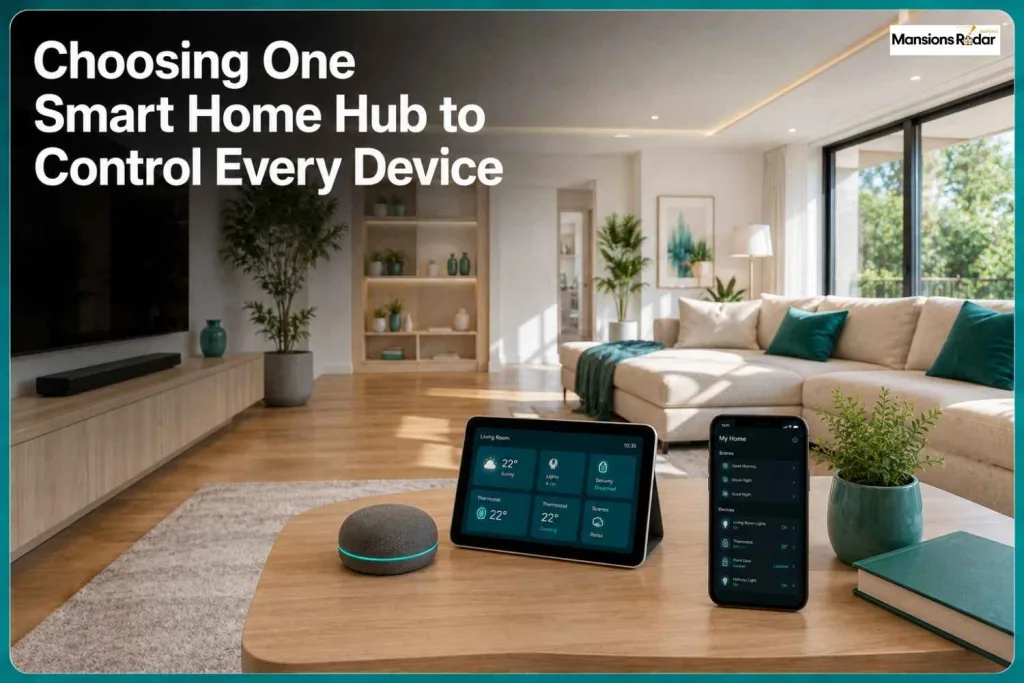
Whichever you pick, look for the Matter label on new devices. Matter lets products from different brands work together without extra bridges or apps. The Connectivity Standards Alliance lists every Matter certified device if you want to double check before buying.
Start Small, On Purpose
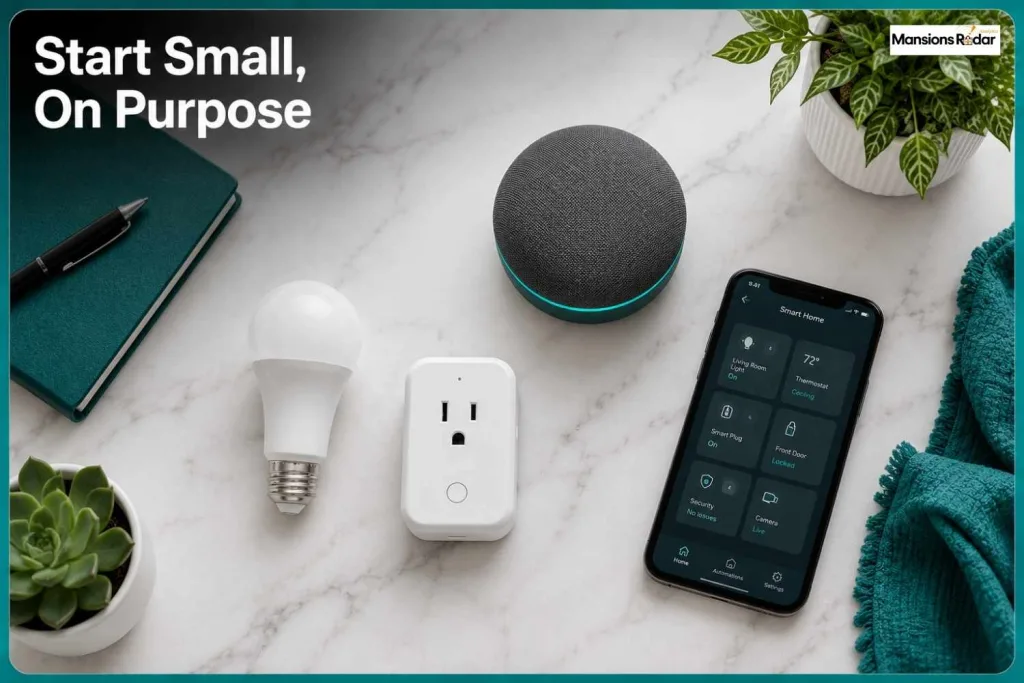
Do not buy a full house worth of gadgets in one order. Start with three cheap, low risk items:
- A smart bulb, to learn how scheduling and dimming work
- A smart plug, to automate something simple like a lamp or a fan
- A smart speaker or display, to act as your hub and voice control
This costs under $100 in most cases and teaches you the system before you spend real money. If something about the setup annoys you, better to find out now than after buying twenty devices.
Pick Devices That Match Your Decor, Not Just Your Needs
This is the part most smart home guides skip entirely, and it is the actual point of decoradtech. A device that works great but looks like a hospital monitor on your wall will bother you every day.
- Match finishes. Smart switches, thermostats, and doorbells now come in matte black, brushed brass, and white to match existing hardware.
- Hide what you can. Route cables behind furniture or through wall channels instead of leaving them visible.
- Choose smart furniture where it makes sense. Nightstands with built in wireless charging and coffee tables with hidden charging pads remove the need for visible chargers and cords.
- Skip anything purely novelty. If a gadget does not save time, save money, or solve a real annoyance, it usually ends up in a drawer within a month.

Set Up Room by Room
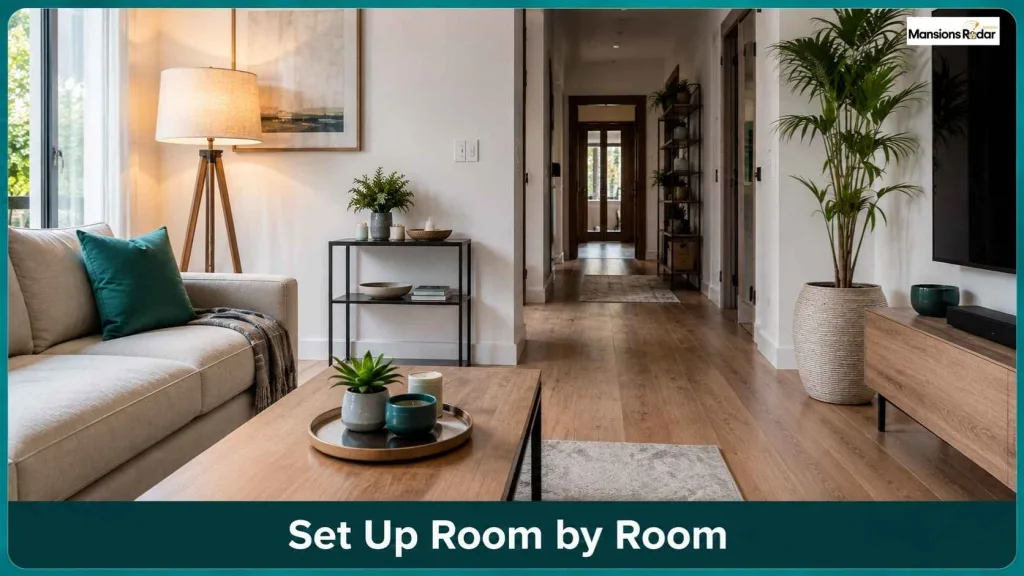
Trying to automate the whole house at once usually leads to a half finished mess. Go room by room instead, starting with the space you use most.
Living Room
- Smart lighting with saved mood presets for movie nights or reading
- A voice controlled entertainment system, one command to turn everything on
- Automated blinds on a sunrise or sunset schedule
Bedroom
- Gradual wake up lighting that simulates a sunrise instead of a harsh alarm
- A thermostat set to your ideal sleep temperature
- Wireless charging built into the nightstand, not a cable draped over the edge
Kitchen
- Motion sensor lighting under the cabinets
- Voice activated timers for when your hands are full
- Smart plugs on countertop appliances you want on a schedule, like a coffee maker
Home Office
- A smart assistant for hands free scheduling and reminders
- Automated lighting that adjusts for video calls versus focused work
- A smart plug on your monitor and desk lamp to fully power down at the end of the day
Automate the Routines You Actually Repeat
Once a few rooms are set up, the real value shows up in routines, custom modes that trigger multiple devices with one command or on a schedule.
Common ones worth setting up first:
- A morning routine, lights brighten gradually, thermostat adjusts, blinds open
- A movie night mode, lights dim, TV and sound system turn on, blinds close
- An away mode, lights and thermostat adjust, locks engage, cameras activate
- A bedtime mode, lights turn off, doors lock, thermostat drops for sleep
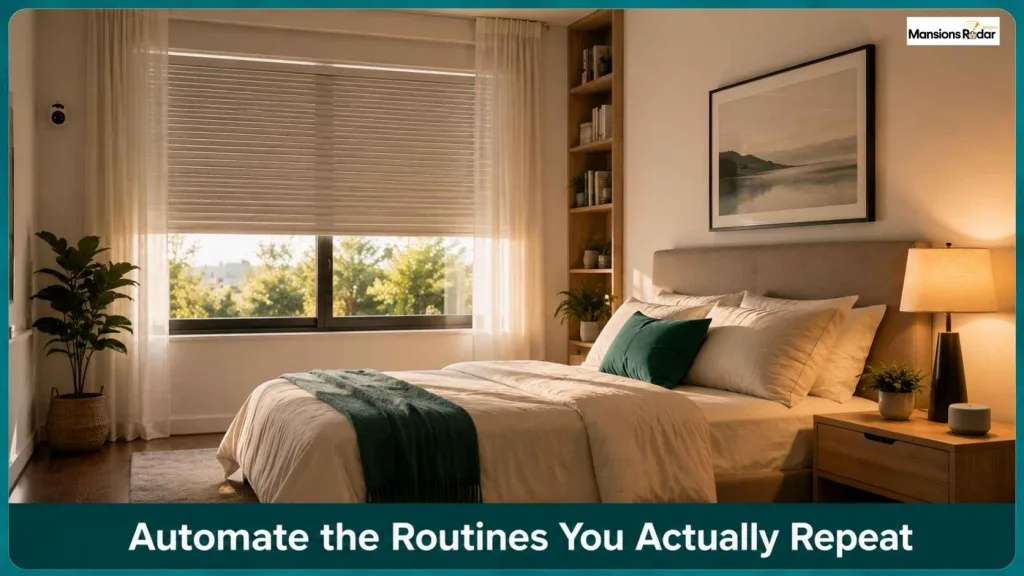
Build these around what you already do every day, not what looks impressive in a demo.
Secure Your Network Before You Add More Devices
This step gets skipped constantly, and it matters. Every smart device on your network is a potential entry point if it is not secured properly.
- Use a strong, unique password on your router, not the default one printed on the box
- Consider a separate guest network or IoT network for smart devices, keeping them isolated from your personal computers and phones
- Keep device firmware updated, most brands push security patches automatically if you allow it
- Check what data a device collects before buying it, especially cameras and voice assistants

Data privacy has become a real factor in smart home decisions, not an afterthought. Brands that offer local processing and clear data policies are worth the small premium over ones that stay quiet about it.
Maintain It Like Any Other Home System
A decoradtech setup is not a one time install. It needs light, ongoing attention.
- Update device apps and firmware when prompted
- Replace batteries in sensors and locks before they die mid use
- Re-check compatibility if you add a new hub or upgrade an old one
- Revisit your routines every few months, since habits change and automations should change with them
What This Actually Costs
| Setup Level | What’s Included | Typical Cost |
| Starter | Hub, one bulb, one plug | Under $100 |
| Basic room setup | Lighting, plugs, one thermostat | $200 to $400 |
| Full room automation | Lighting, blinds, entertainment, security | $500 to $1,500 per room |
| Whole home | Multiple rooms, full security, climate control | $2,000 to $6,000+ |
Most smart thermostats pay for themselves within one to two years through lower energy bills. Lighting and plugs pay off faster since the devices themselves cost less.
Mistakes That Waste Time and Money
- Buying before planning. A pile of unconnected gadgets creates more confusion than convenience.
- Ignoring compatibility. Confirm a device works with your hub before buying, not after opening the box.
- Chasing novelty over usefulness. Impressive in a demo does not always mean useful at home.
- Skipping the design side. A great feature in an ugly housing still looks wrong on your wall.
- Forgetting the network. A slow or unsecured network undoes the convenience a smart home is supposed to add.
If you are also planning wider changes to your space, not just the tech, this guide to blending smart devices with interior style covers the design side in more depth.
Final Thoughts
The best home decoradtech setup is one that feels effortless. When smart technology is planned around your home instead of added as an afterthought, every room becomes more functional, comfortable, and visually balanced.
Focus on solutions that match your lifestyle, invest in devices that work together, and build your smart home gradually. A well-designed system will not only simplify everyday living but also enhance the beauty and long-term value of your home.
Frequently Asked Questions
What is the first thing I should buy for a decoradtech setup?
A smart bulb, a smart plug, and a hub or voice assistant, usually under $100 total.
Which smart home hub should I choose?
Alexa for the widest device support, Google Home if you rely on Google services, Apple HomeKit for tighter iPhone integration and more local privacy.
What does Matter mean on a smart device?
It is a standard that lets devices from different brands work together without extra bridges or apps.
How much does a basic decoradtech setup cost?
Under $100 for a starter kit. A single automated room usually runs $500 to $1,500.
Do smart home devices actually save money?
Yes, mostly through smart thermostats and plugs. A well configured system can cut HVAC runtime by around 20 percent using occupancy based scheduling.
How do I keep my smart home secure?
Use a strong router password, put smart devices on a separate network, and keep firmware updated.
Should I set up my whole house at once?
No. Start with one room, get it working reliably, then expand.
How do I keep smart devices from clashing with my home’s style?
Match finishes to existing hardware, hide cables, and skip devices that do not solve a real problem.